



























Secure Every Device,
Across Every Platform

Microsoft Intune with Azure AD integration, conditional access and cross-platform device management for hybrid workforces.

Trusted by fastest growing
companies around the world.

American Airlines logo
Centene Corporation logo
Intrado logo
NTT Data logo
Pfizer logo
FAB logo
Anheuser-Busch InBev logo
CBCInnovis logo
JCPenney logo
OU Health logo
Protegrity logo
Blue Cross Blue Shield logo
Dell Technologies logo
Lumen logo
P&G logo
nCipher logo
Builders FirstSource logo
Intel logo
Magella Health logo
Pega logo
LivaNova logo

Why Intune Implementation?

Device Management Built for a Hybrid Workforce

Automated enrollment, consistent policies across Windows, iOS, Android, and macOS, and access limited to compliant devices.

Seamless Device Management illustration

Seamless Device Management

Manage and secure user devices with automated enrollment, configuration, and compliance policies that cut IT overhead.

Cross-Platform Support illustration

Cross-Platform Support

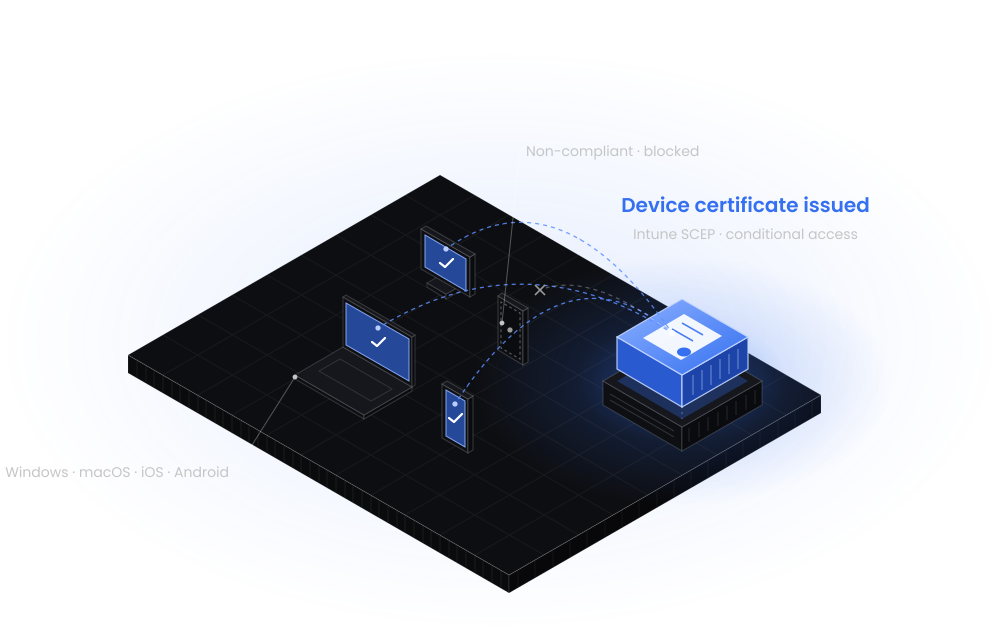
Manage Windows, iOS, Android, and macOS devices, with security and policy enforcement across your entire fleet.

Conditional Access illustration

Conditional Access

Enforce real-time conditional access so only compliant, secure devices can reach corporate resources and data.

Scope

Five Domains, One Rollout

We offer a comprehensive Microsoft Intune implementation that ensures secure, efficient device management, ongoing compliance, and smooth adoption.

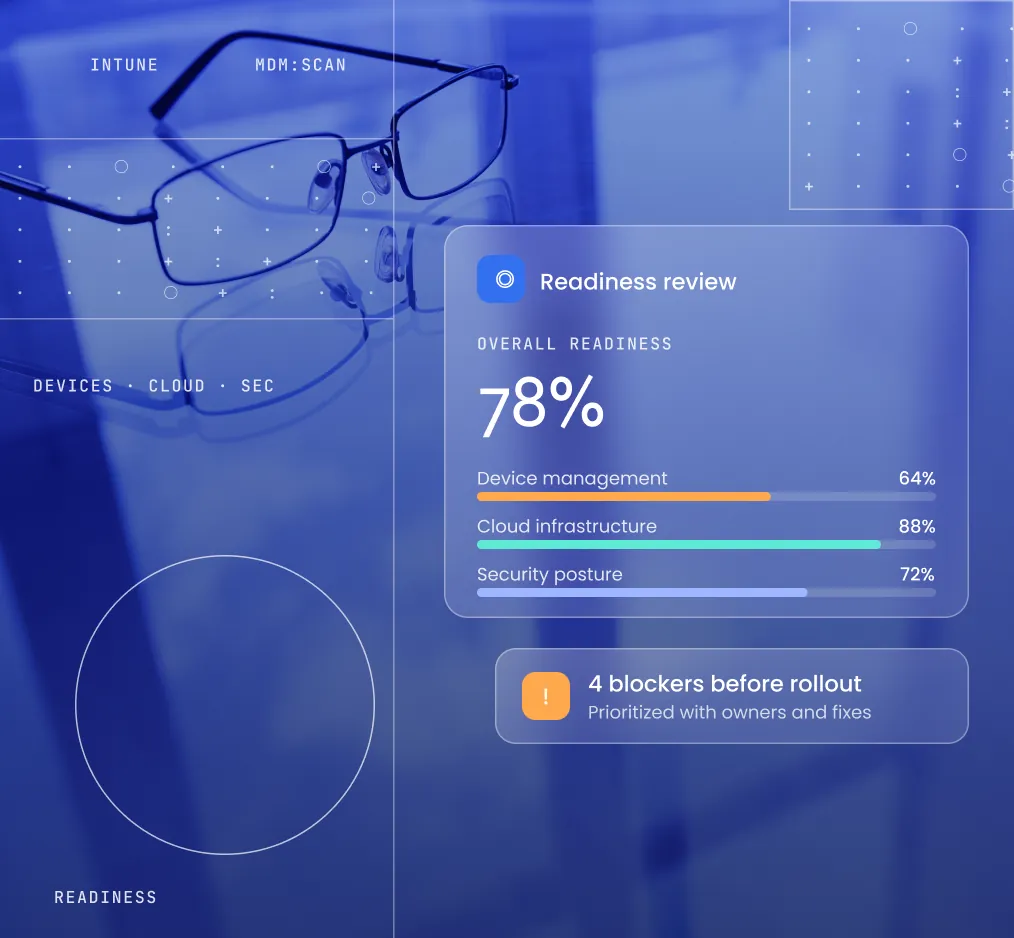
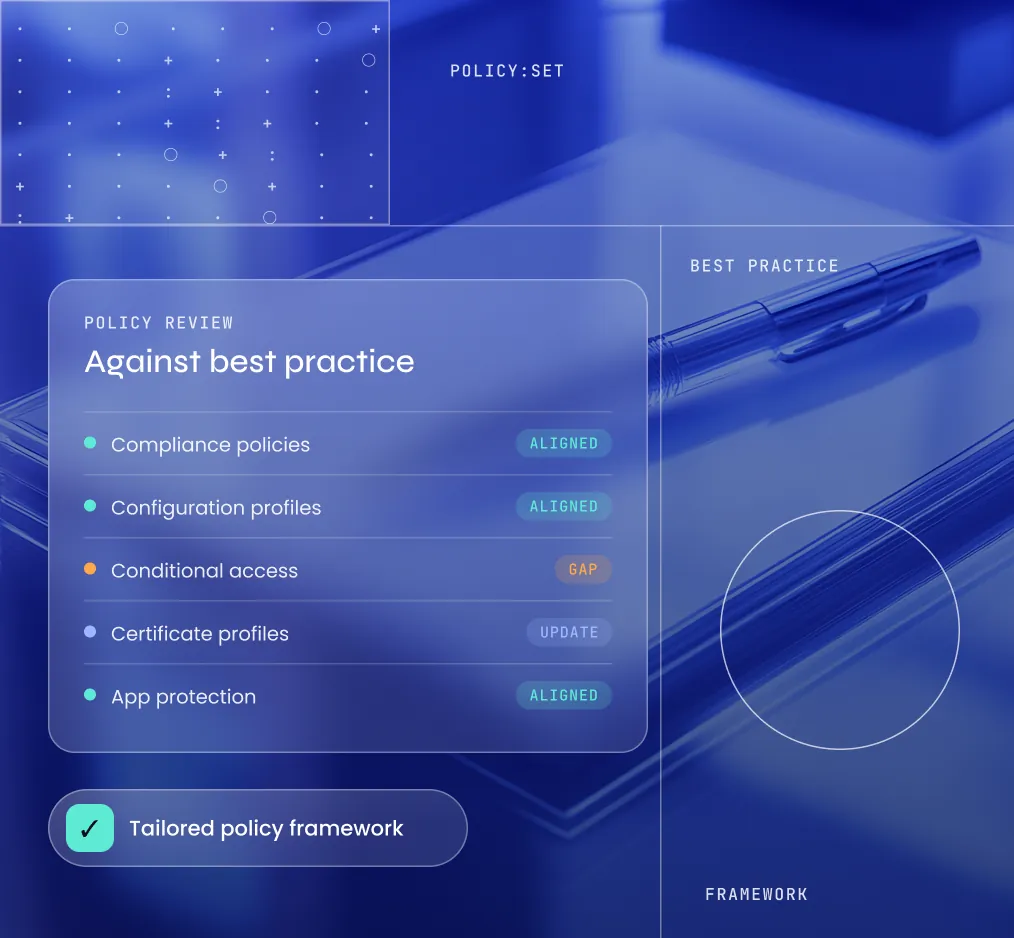
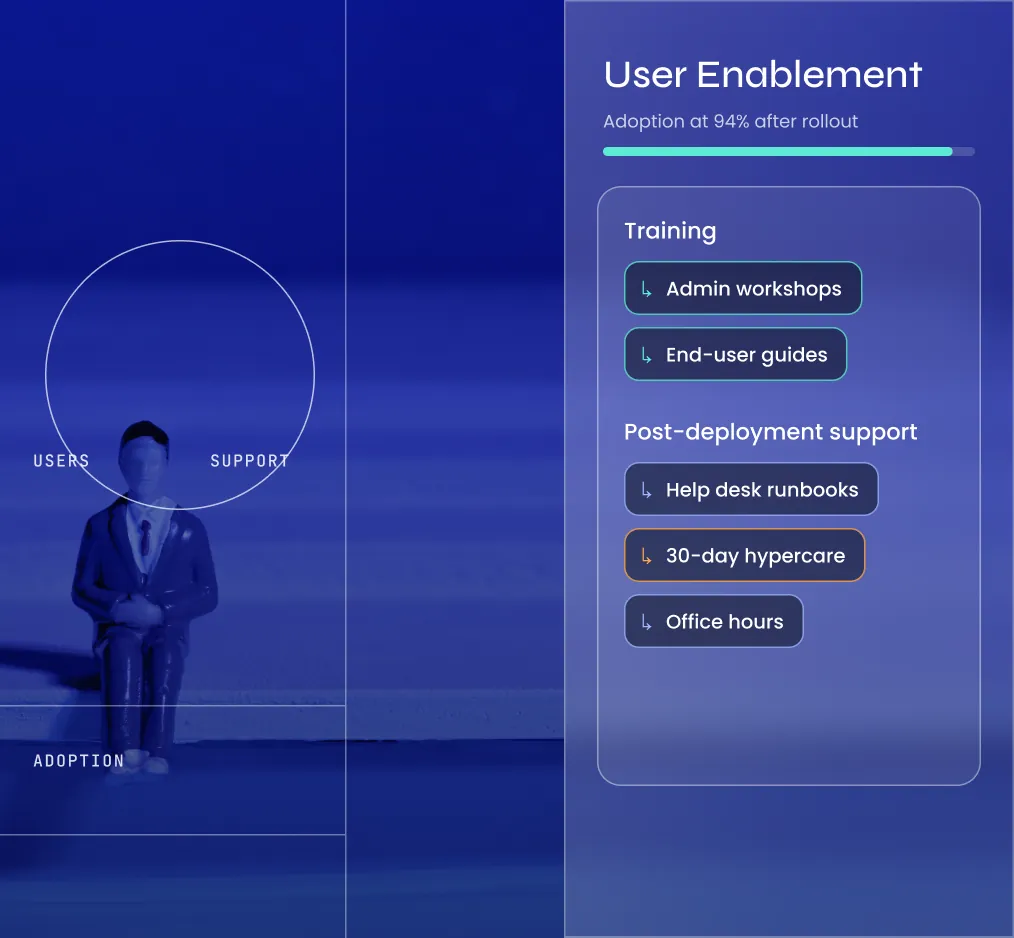
Readiness Review Integration Design Pilot & Rollout Policy Review User Enablement
  1. Analyze device management, cloud infrastructure, and security posture for readiness.

  2. Plan how Intune connects with Azure AD, existing PKI, and security systems.

  3. Run a phased Intune rollout with ongoing feedback so you can adjust as needed.

  4. Assess policies against best practices to build a tailored Intune policy framework.

  5. Provide training and post-deployment support so adoption stays smooth for users.

Our Approach

Four Pillars of Your Intune Rollout

A strategic, user-focused approach to security, streamlined device management, and compliance for your hybrid and remote workforce.

  1. Strategic Planning

    Start With Your Goals

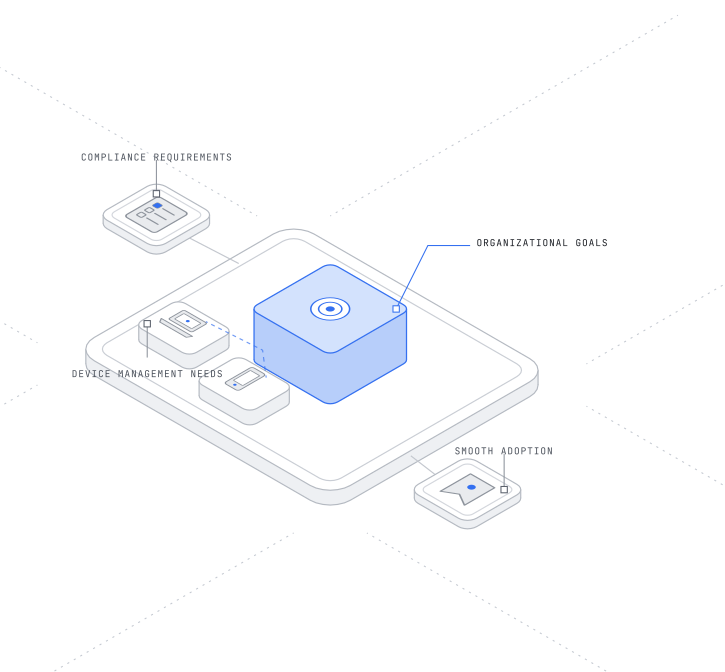
    Align Intune implementation with your organizational goals, compliance requirements, and device management needs for smooth adoption.

    • Aligned with your organizational goals
    • Compliance and device needs built in
    • Planned for smooth, lasting adoption
    Talk to an Advisor
    Start With Your Goals
  2. User and Device Profiling

    Tailor Policy to Roles

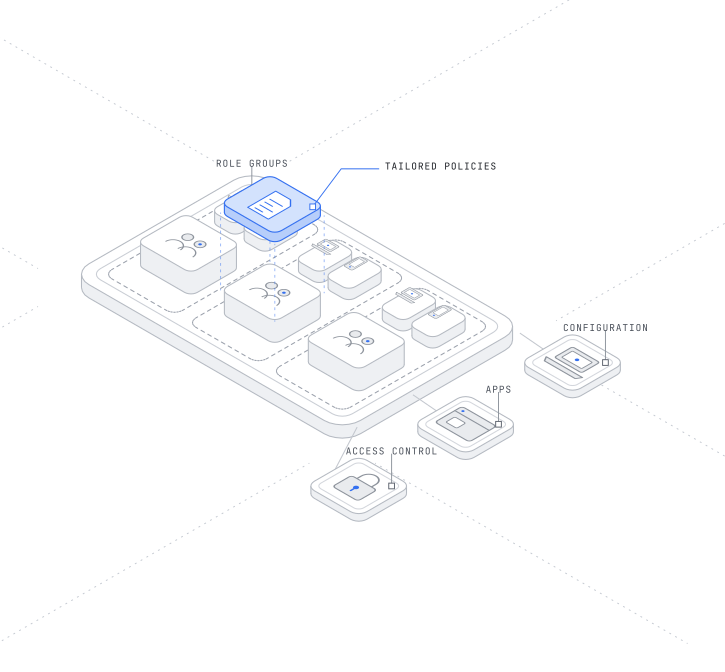
    Categorize users and devices by role and compliance needs, creating tailored policies for configuration, apps, and access control.

    • Users and devices categorized by role
    • Policies for devices, apps, and access
    • Management fitted to business workflows
    Talk to an Advisor
    Tailor Policy to Roles
  3. Pilot Execution

    Pilot Before You Scale

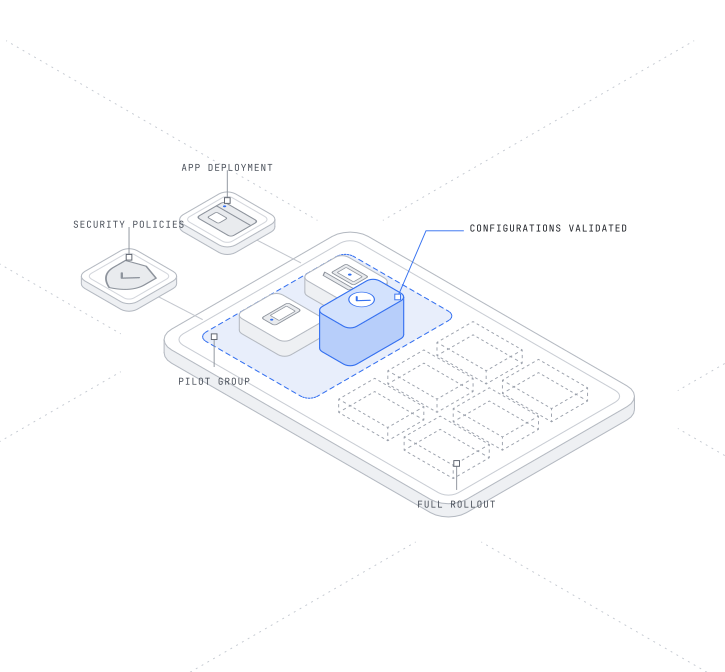
    Run a focused pilot to validate Intune configurations, test app deployment, and assess security policy effectiveness before rollout.

    • Configurations validated in a live pilot
    • App deployment tested with real users
    • Security policies assessed before rollout
    Talk to an Advisor
    Pilot Before You Scale
  4. Automated Deployment

    Roll Out Consistently

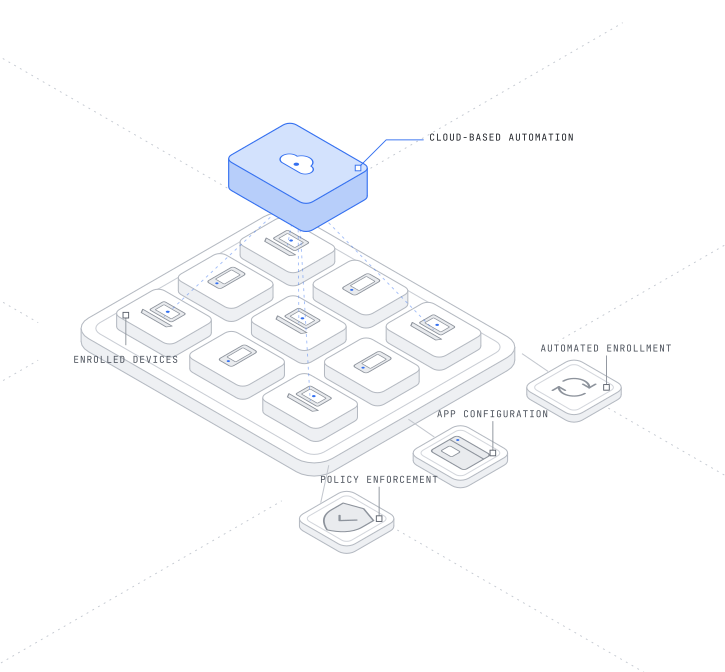
    Use Intune cloud-based tools to automate device enrollment, app configuration, and policy enforcement for a secure, consistent rollout.

    • Device enrollment automated end to end
    • App configuration automated as well
    • Consistent policy enforcement on devices
    Talk to an Advisor
    Roll Out Consistently

Next Steps

Where the Intune Rollout Leads Next

Intune connects to your PKI, Azure AD, and the rest of your security infrastructure, and these services help with each.

FAQs

Frequently Asked Questions

Still have questions? Talk to our team

Plan Your
Rollout

Tell us about your environment and deadlines, and we will come back with a scope, a timeline and a team.

Plan Your Rollout